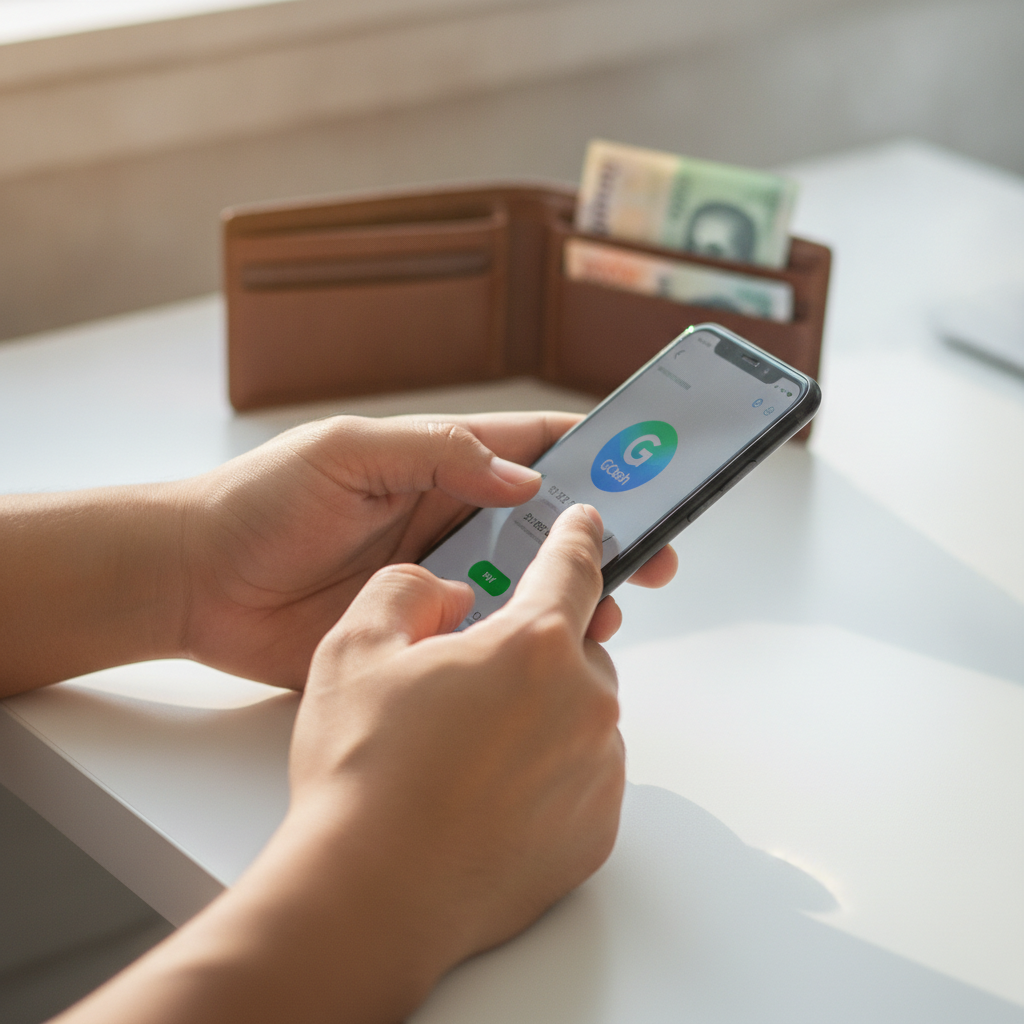
Power Ace Withdrawal, GCash & App Help for Filipino Players
Practical guides for Power Ace cashouts, GCash and Maya transfers, InstaPay and PESONet bank withdrawals, Android APK and iOS app installs, and fixing login or payment errors.
Power Ace Withdrawal: GCash, Maya, InstaPay & PESONet
Power Ace offers cashouts to GCash, Maya, and Philippine bank accounts via InstaPay and PESONet. Withdrawal processing times vary: GCash and Maya typically complete within a few hours to one business day, while bank transfers depend on the network—InstaPay processes same-day for transactions submitted before cut-off, and PESONet can take one to two banking days. Fees and limits depend on the method you choose and your account status.
Pending or failed withdrawals are common when ID verification is incomplete, daily limits are exceeded, or account details don't match. This site walks through every step—selecting your cashout method in the Power Ace account dashboard, entering your GCash number or bank details, checking transaction history, and what to do if your withdrawal is delayed or declined.
Players must be 21 years or older. Only withdraw what you can afford to lose, and reach out to support resources if gambling becomes a problem.
Power Ace App Download: Android APK & iOS Install
Power Ace operates a mobile app for Android and iOS devices. The Android version is distributed as an APK file downloaded from the Power Ace website—Google Play does not list real-money casino apps in the Philippines, so sideloading the APK is standard. iOS users may access a web app through Safari or download a profile-based app if Power Ace provides one; installation steps differ from the App Store process.
This site covers enabling "Install from Unknown Sources" on Android, verifying the APK file size and publisher signature, installing the app, and logging in with your existing Power Ace credentials. For iOS, we explain how to add the web app to your home screen, trust enterprise certificates if required, and troubleshoot "Untrusted Developer" messages. Most Filipino players use Android, and the APK works on devices running Android 5.0 or newer.
Ensure you download the APK only from the official Power Ace domain to avoid phishing or malware. Players must be 21 or older, and you should only bet amounts you are comfortable losing.
Login issues on Power Ace usually stem from incorrect passwords, account locks after multiple failed attempts, or required identity verification before cashouts. If you cannot log in, use the "Forgot Password" link to reset via SMS or email. For accounts flagged for verification, you will need to upload a valid government ID (driver's license, postal ID, or passport) and a recent proof of address or selfie, then wait for approval—typically within 24 to 48 hours.
Payment errors include declined deposits when GCash or Maya balances are insufficient, wrong account numbers for bank transfers, or pending withdrawals held for additional checks. Double-check that your e-wallet is verified and linked to the same name on your Power Ace account. If InstaPay or PESONet transfers fail, confirm your bank's participating status and daily transaction caps. Power Ace customer support—reachable via live chat or email—can clarify hold reasons and expected resolution times.
All players must be 21 years of age or older. Bet responsibly, set deposit limits in your account settings, and seek help if gambling is causing financial or personal stress.