Power Ace GCash Withdrawal: Step-by-Step Cashout Guide
Linking and Verifying Your GCash Account in Power Ace
Before you can request a Power Ace GCash withdrawal, your GCash mobile number must be added and verified in the cashier. Power Ace requires this step to confirm that the e-wallet belongs to you and matches the name on your casino account.
Log into Power Ace on your phone or desktop. Open the cashier menu—usually a "Wallet," "Cashier," or peso icon in the top navigation. Select "Withdrawal" or "Cash Out," then choose GCash from the list of payment methods.
If this is your first time using GCash to withdraw, the platform will ask you to enter your 11-digit GCash-registered mobile number. Type the number in 09XX-XXX-XXXX format and confirm. Power Ace will send a one-time PIN to that mobile number via SMS. Enter the PIN in the cashier to complete linking.
In some cases, Power Ace may ask you to upload a screenshot of your GCash profile showing your registered name and mobile number. You can find this in the GCash app under the "My Linked Accounts" or profile section. Save the screenshot and upload it through the cashier or account-verification page. Approval usually takes a few hours; you will receive an in-app notification or SMS when your GCash account is verified and ready for cashouts.
Make sure the name registered in your GCash wallet exactly matches the name on your Power Ace account. Mismatches will cause delays or rejection of your withdrawal request.
Submitting a GCash Withdrawal Request
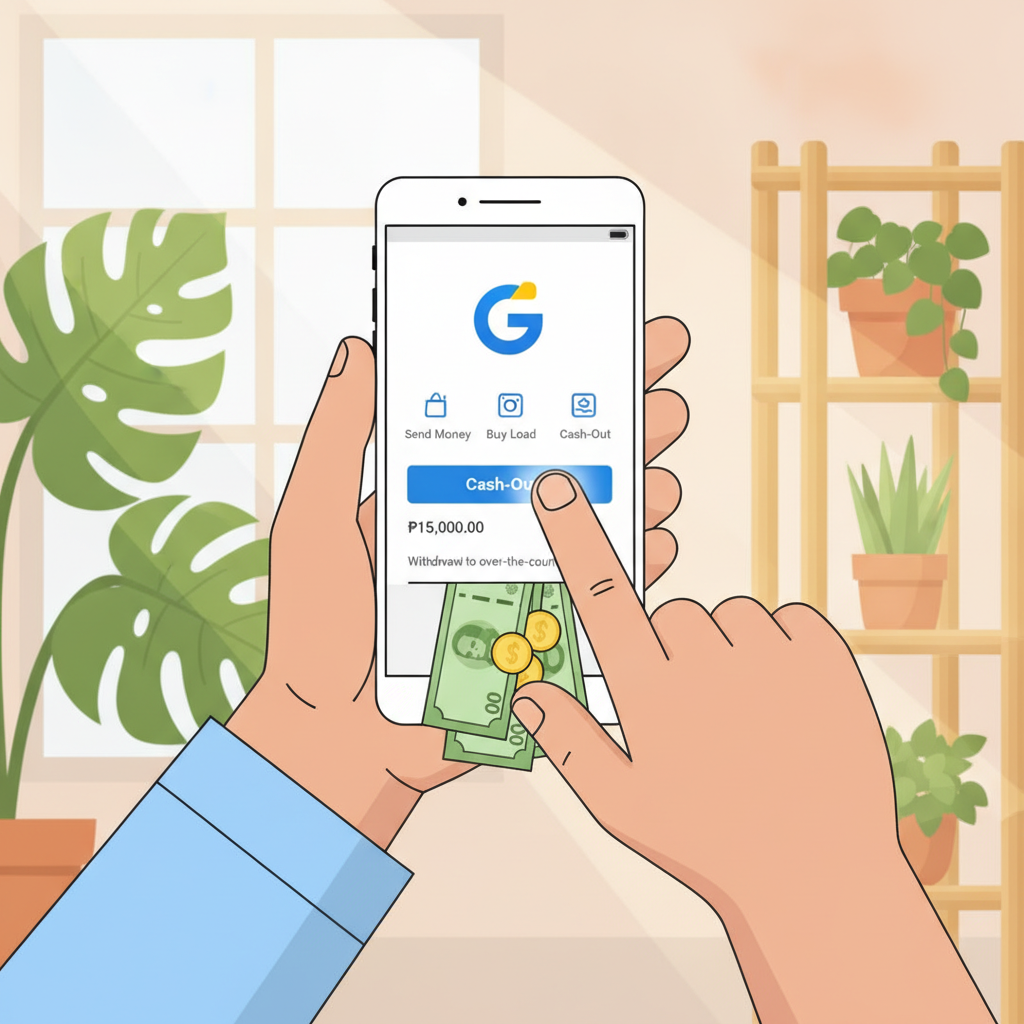
Once your GCash number is linked and verified, you can submit a cashout request whenever you have a withdrawable balance. Open the Power Ace cashier and tap "Withdraw" or "Cash Out." Select GCash as the payout method.
Your verified GCash number will appear automatically. Double-check that the number displayed matches your active GCash account. Enter the amount you want to withdraw in Philippine pesos. Power Ace will show your current withdrawable balance and any minimum withdrawal amount—typically PHP 100 or PHP 200 for GCash.
Review the on-screen summary: payout method, mobile number, amount, and any processing fees. Power Ace does not usually charge a fee for GCash withdrawals, but always confirm the final amount you will receive. If everything looks correct, tap "Confirm" or "Submit."
You will see a confirmation screen with a transaction reference number. Save or screenshot this number in case you need to follow up on the withdrawal. Power Ace will also send a confirmation by SMS or email.
Most Power Ace GCash cashouts are processed within a few minutes to a few hours. During busy periods—evenings, weekends, or major sporting events—processing may take up to 24 hours. You will receive an SMS from GCash and a notification in the GCash app once the funds arrive in your wallet.
Check your GCash app under "Transaction History" or "Activity" to confirm the deposit. The entry will usually show "Power Ace" or a generic payment-gateway name, along with the peso amount and timestamp.
Daily and Per-Transaction GCash Cashout Limits
Power Ace sets minimum and maximum withdrawal amounts for GCash to manage cash flow and comply with e-wallet partner policies. These limits can vary depending on your account status, verification level, and recent activity.
Minimum withdrawal: Most players can cash out a minimum of PHP 100 or PHP 200 per transaction via GCash. If your balance is below this threshold, you will need to wait until you have enough to meet the minimum.
Maximum per transaction: A typical single GCash withdrawal caps at PHP 10,000 to PHP 50,000. Players who have completed full ID verification—government-issued ID, proof of address, selfie—may qualify for higher per-transaction limits.
Daily limit: Power Ace often imposes a rolling 24-hour or calendar-day limit on total GCash withdrawals, commonly PHP 50,000 to PHP 100,000. If you need to cash out more, you can submit additional requests the next day.
GCash wallet limits: Remember that GCash itself has a monthly inflow limit. Basic GCash accounts can receive up to PHP 100,000 per month, while fully verified accounts can receive up to PHP 500,000. If you hit your GCash monthly limit, any incoming transfers—including casino cashouts—will be declined until the next calendar month.
If you plan to withdraw large amounts regularly, consider completing GCash's full KYC verification in the GCash app, and also upgrade your Power Ace account verification to access higher cashout tiers.
Common GCash Withdrawal Errors and Fixes
Even when your account is verified, technical issues or user mistakes can delay or block a Power Ace GCash withdrawal. Here are the most frequent problems and how to resolve them.
Wrong mobile number: If you entered an incorrect GCash number during linking, the withdrawal will fail or be credited to someone else's wallet. Double-check the number before confirming every cashout. If you realize you saved the wrong number, contact Power Ace customer support immediately through live chat or email. Provide your account details and correct GCash number. Support will usually require you to re-verify by uploading a fresh GCash profile screenshot.
Insufficient balance or pending bonus: Your withdrawable balance may be lower than your total account balance if you have active bonus funds or unmet wagering requirements. Power Ace separates cash balance from bonus balance. Only the cash portion—after all playthrough conditions are satisfied—can be withdrawn. Check the cashier or account summary to see your available-for-withdrawal amount. If a large portion is locked in bonus funds, you will need to complete the wagering or forfeit the bonus to unlock your cash.
GCash wallet full or not verified: If your GCash monthly receiving limit is maxed out, any incoming transfer will bounce back. Log into your GCash app and check your transaction history and current monthly cap. Upgrade your GCash verification level if needed, or wait until the next month to receive the cashout. Power Ace will usually notify you if the transfer was declined by GCash, and the funds will be returned to your casino balance so you can try a different payout method.
Name mismatch: Power Ace compares the registered name on your casino account with the name in your GCash wallet. If they do not match—due to a nickname, middle-name variation, or typo—the cashout may be put on hold for manual review. Contact support with a screenshot of your GCash profile and a photo of your government ID to resolve the discrepancy.
Processing delays: Occasionally, withdrawals take longer than expected because of high transaction volume, maintenance, or internal security checks. If your Power Ace GCash withdrawal shows "Pending" for more than 24 hours, reach out to customer support. Have your transaction reference number, GCash mobile number, and withdrawal amount ready. Support can escalate the request to the payments team.
System error or timeout: If the cashier page freezes or you see a generic error message, clear your browser cache or restart the Power Ace app. Make sure you have a stable internet connection. If the problem persists, try accessing the cashier from a different device or browser. You can also submit the withdrawal request through live chat by providing your GCash number and desired amount; a support agent can process it manually.
If none of these fixes work, switch temporarily to another payout method—such as Maya or bank transfer via InstaPay—while the GCash issue is investigated.
21+ Only, Play Within Your Means
Power Ace is strictly for players aged 21 and over. Online gambling is a form of entertainment that carries financial risk. Never wager more than you can afford to lose, and never chase losses by depositing more than your budget allows.
Set personal deposit and loss limits before you play. Many players find it helpful to treat their casino balance as an entertainment expense, not an investment or income source. If you feel that gambling is becoming a problem, take a break or reach out to a local support organization for help.
Withdraw your winnings regularly rather than leaving large balances in your account, and always double-check your payout details to avoid unnecessary delays. Responsible cash management starts with understanding exactly how Power Ace GCash withdrawals work—and now you have a complete step-by-step guide.