Power Ace Maya Deposit and Withdrawal: Limits, Fees and Processing
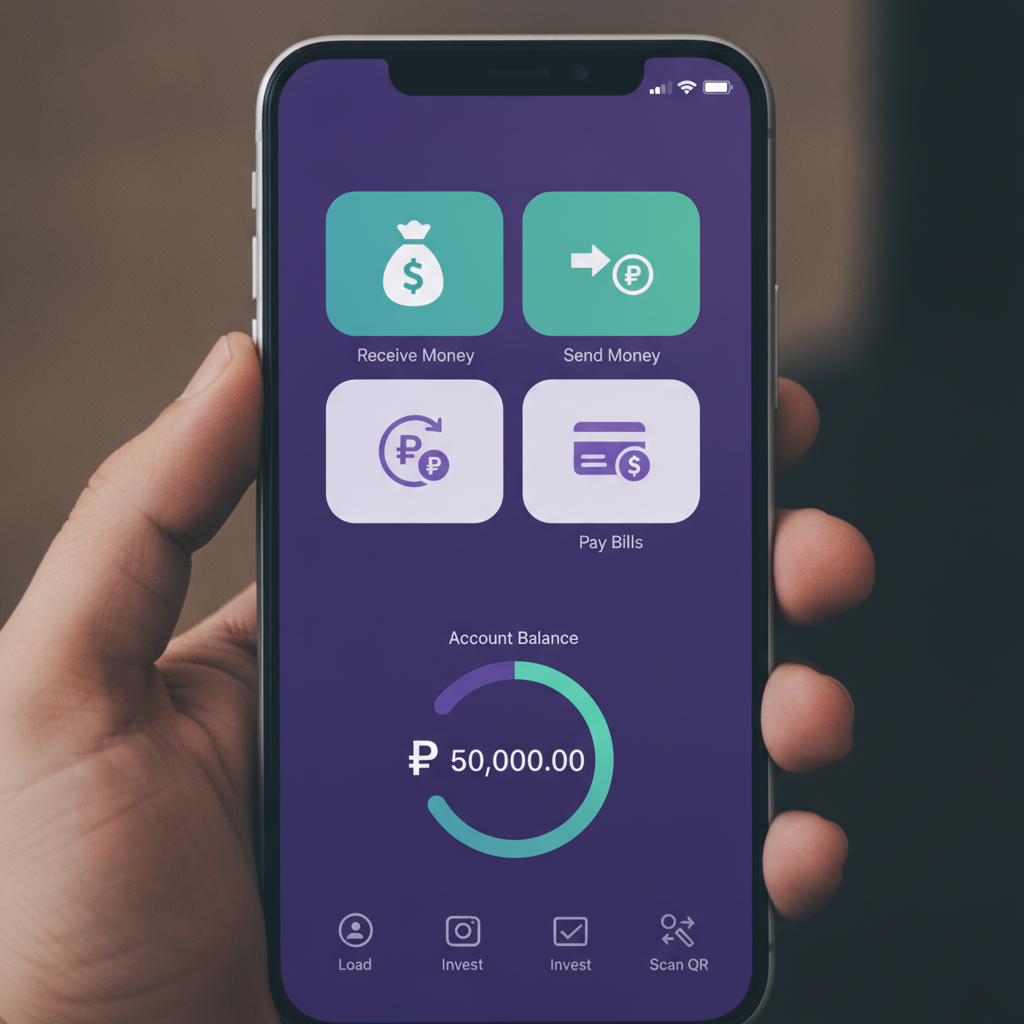
Adding Maya as a Payment Method in Your Power Ace Account
Before you can deposit or withdraw using Maya, you need to link the e-wallet to your Power Ace account. Log in to Power Ace and tap the cashier or deposit icon, usually found in the top corner or bottom menu on the Android app. Select "Add Payment Method" or "Link E-Wallet" and choose Maya from the list of options.
You will be asked to enter your Maya mobile number—the same number registered to your Maya account. Some players also need to verify their Maya account by completing a small test transaction or confirming an OTP sent to their mobile. Power Ace typically saves this Maya mobile number so you do not have to re-enter it every time you deposit or cash out.
If your Maya account is under a different name from your Power Ace account, the platform may flag the mismatch during verification. Power Ace requires that the e-wallet name matches the registered player name for security and anti-money-laundering checks. If you run into this issue, contact Power Ace support through live chat or the help section in the app.
Maya Deposit Steps and Instant Confirmation
Once Maya is linked, deposits are straightforward. Tap the deposit button, select Maya, and enter the amount in pesos you want to load—common amounts are ₱100, ₱200, ₱500, or a custom figure within the allowed limits.
After confirming the amount, Power Ace redirects you to the Maya checkout screen. You will see the transaction summary, including any fees (if applicable) and the total to be deducted from your Maya balance. Tap "Pay Now" or "Confirm," and Maya will process the payment instantly.
Most Maya deposits appear in your Power Ace balance within seconds. You will see a confirmation screen in the Power Ace app showing the new balance, and Maya will send a transaction SMS or in-app notification to your mobile. If the deposit does not reflect immediately, check your Maya transaction history to confirm the payment went through. If Maya debited your account but Power Ace did not credit it, screenshot both records and contact Power Ace support.
Players who use Maya's "Pay with Card" feature—linking a debit or credit card inside Maya—can still fund Power Ace, but the transaction route may differ depending on card issuer policies. Some banks block online gambling transactions even when routed through Maya, so a direct Maya wallet balance funded via bank transfer or over-the-counter is usually more reliable.
Maya Withdrawal Process and Typical Wait Time
Withdrawing from Power Ace to Maya follows a similar flow. Open the cashier, tap "Withdraw" or "Cash Out," select Maya as your payout method, and enter the amount you want to transfer. Double-check that the Maya mobile number displayed matches your verified account.
After submitting the request, Power Ace places the withdrawal in a pending queue for review. This security step checks for bonus wagering completion, account verification status, and transaction anomalies. Pending time varies, but most Maya withdrawals move from pending to processing within one to four hours during business hours. Requests submitted late at night or on weekends may take longer to clear the queue.
Once approved, Power Ace sends the funds to Maya. The majority of Maya cashouts land in your e-wallet within a few minutes to two hours. Maya typically sends a notification SMS when the money arrives, and the balance updates in your Maya app instantly.
If your withdrawal is still pending after six hours, log back in to Power Ace and check the transaction history under "My Account" or "Cashier." Pending usually means the platform is verifying your request; processing means the funds are en route to Maya. If the status shows "Failed" or "Rejected," common reasons include incomplete KYC documents, a mismatch between your Power Ace name and Maya account name, or an attempt to withdraw while a bonus is still active with unmet wagering.
Power Ace does not process withdrawals to a Maya account that was not previously used for deposit, as a fraud-prevention measure. If you need to cash out to a different Maya number, you may need to make at least one successful deposit from that account first and verify it with support.
Transaction Limits and Any Fees for Maya Cashouts
Power Ace sets minimum and maximum transaction limits for Maya deposits and withdrawals. The minimum deposit is typically ₱100, matching the platform's standard for e-wallet funding. Maximum deposit per transaction is often ₱50,000, though some accounts may have higher limits based on VIP tier or verification level. Daily deposit caps vary by player status; new accounts may face a ₱100,000 daily ceiling, while verified players can sometimes load more.
The minimum withdrawal amount via Maya is usually ₱100 or ₱200, depending on current platform policy. Maximum per withdrawal is often capped at ₱50,000, and daily withdrawal limits range from ₱100,000 to ₱500,000 for standard accounts. VIP players may request higher limits by contacting account management.
As of the most recent updates, Power Ace does not charge a platform fee for Maya deposits. Maya itself does not charge users for receiving money from merchants or payment gateways, so your full deposit amount lands in your casino balance. Withdrawals are generally fee-free as well, meaning if you request ₱500, you receive ₱500 in your Maya wallet. However, policies can change, especially during promotional periods or for certain account tiers, so always review the fee summary on the withdrawal confirmation screen before finalizing.
If you notice an unexpected deduction, check whether Power Ace applied a withdrawal fee (sometimes a flat ₱15 or 1–2 percent for lower-tier accounts) or whether Maya charged a cash-out fee on their side. Maya usually does not charge for incoming transfers from payment gateways, but fees may apply if you later move money from Maya to a bank account or ATM.
Players who make multiple small withdrawals in a single day may find that only the first one or two are fee-free, with subsequent requests carrying a service charge. To minimize fees, consolidate cashouts into one larger transaction when possible, rather than splitting ₱500 into five ₱100 withdrawals.
Common Issues and How to Resolve Them
Deposit not reflecting: If Maya debited your account but Power Ace did not credit your balance after ten minutes, first refresh the app or log out and back in. Check your transaction history in both Maya and Power Ace. If the payment shows as successful in Maya, take screenshots and open a support ticket. Power Ace usually reconciles missing deposits within a few hours once you provide proof.
Withdrawal stuck in pending: Pending status lasting beyond six hours often means the platform needs additional verification. Log in to the desktop or mobile site and check if there is a KYC prompt asking for ID documents or a selfie. Submit any requested documents via the verification section. If your account is already fully verified, contact live chat to ask why the withdrawal has not moved to processing.
Maya account name mismatch: Power Ace rejects withdrawals when the registered name on your casino account does not match the name on your Maya account. If you registered Power Ace under a nickname or shortened name, but your Maya account uses your full legal name, upload a valid government ID to Power Ace support showing both names or request a name correction. Once your Power Ace profile matches your Maya account exactly, resubmit the withdrawal.
Failed transaction error: Maya occasionally returns a "transaction failed" message if your wallet has insufficient balance for a deposit, or if Maya's payment gateway is under maintenance. Wait fifteen minutes and try again. If the error persists, switch to another payment method temporarily or contact Maya support to confirm your account is in good standing.
21+ Only and Responsible Gambling Reminder
Power Ace is restricted to players aged 21 and over. Online gambling involves real money and real risk. Never deposit more than you can afford to lose, and use Power Ace's account limits or self-exclusion tools if you need to control your playtime. If you or someone you know is struggling with gambling, reach out to a local support service for help. Play responsibly and within your means.