Power Ace Withdrawal Failed: Why Your Cashout Was Rejected
Power Ace Withdrawal Failed: Why Your Cashout Was Rejected
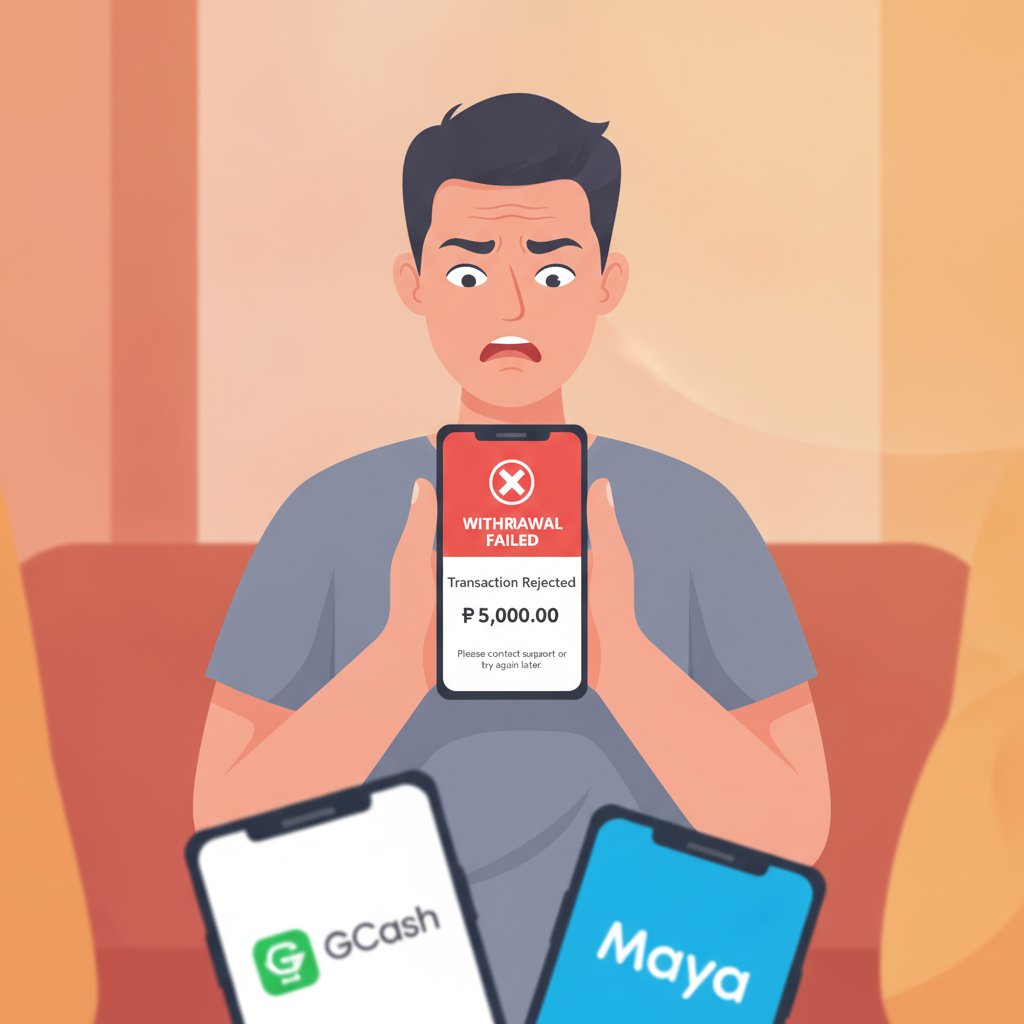
A failed Power Ace withdrawal can be frustrating, especially when you're waiting for your winnings to land in GCash, Maya, or your bank account. If your cashout request was rejected or marked pending for days, there's usually a clear reason—and in most cases, you can fix it and resubmit.
This guide walks through the most common causes of failed Power Ace withdrawals, how to check what went wrong, and the steps to correct your cashout information so your next request goes through.
21+ only. Bet only what you can afford to lose.
Common Reasons for Failed Withdrawals
Power Ace processes withdrawals to GCash, Maya, InstaPay, and PESONet, but every cashout must pass internal checks before the operator releases funds. Here are the typical reasons a withdrawal fails or gets rejected:
ID Not Verified
Power Ace requires account verification before approving your first withdrawal. If you skipped the ID upload step—or if your submitted document was blurry, expired, or didn't match your registered name—your cashout will be blocked.
The platform typically accepts:
- Philippine national ID
- Driver's license
- Passport
- UMID or postal ID
Make sure the image is clear, all four corners are visible, and your name, photo, and ID number are readable. If your document has expired, upload a current one.
Wrong E-Wallet or Bank Details
A single typo in your GCash mobile number, Maya account number, or bank account details will cause the withdrawal to bounce back. Power Ace cannot send PHP 500 or PHP 5,000 to a non-existent account, so the system cancels the request.
Double-check:
- GCash and Maya: The 11-digit mobile number (starting with 09) must exactly match the number registered to your e-wallet.
- InstaPay and PESONet: Your bank account number, account name, and selected bank must match your actual bank records. Even a middle initial mismatch can trigger a rejection.
Exceeded Withdrawal Limits
Power Ace sets daily and monthly cashout limits. If you try to withdraw PHP 20,000 in one day but your daily cap is PHP 10,000, the system will decline the request.
Limits vary by account status and payment method. Regular players typically see:
- GCash and Maya: PHP 5,000–10,000 per transaction, PHP 50,000–100,000 per month
- InstaPay: PHP 50,000 per transaction
- PESONet: Higher limits, but slower processing (1–3 banking days)
Check your account dashboard or contact Power Ace support to confirm your current limits.
Insufficient Balance or Pending Bets
If you placed a bet just before requesting a cashout, your available balance might be locked until that bet settles. Power Ace will reject the withdrawal because the funds aren't actually free to move yet.
Also, if you try to withdraw more than your available balance—say, PHP 1,200 when you only have PHP 1,000 cleared—the request fails immediately.
Wagering Requirements or Bonus Lock Preventing Cashout
One of the most common—and most misunderstood—reasons for a failed Power Ace withdrawal is an active bonus with unmet wagering requirements.
How Bonus Locks Work
When you claim a deposit bonus, free spins, or cashback offer, Power Ace often applies a wagering requirement. For example, a PHP 200 bonus with 10× rollover means you must place PHP 2,000 in real bets before you can withdraw any winnings tied to that bonus.
Until you complete the rollover, your balance is partially or fully locked. Attempting a cashout before finishing the wagering will trigger a rejection, and you may see an error message like "Bonus requirements not met" or "Withdrawal restricted."
Where to Check Your Wagering Progress
Log in to your Power Ace account and look for:
- "My Bonuses" or "Active Promotions" tab
- A progress bar or percentage showing how much rollover you've completed
- Remaining wagering amount (e.g., "PHP 1,200 of PHP 2,000")
If you're not sure whether a bonus is active, check your transaction history or contact Power Ace support via live chat.
What Happens If You Cancel a Bonus
Some platforms let you forfeit an active bonus to unlock your balance. Power Ace may allow this, but forfeiting typically removes the bonus amount and any winnings generated from it. Only your original deposit and winnings from non-bonus funds remain.
Read the terms carefully before canceling—if you're close to completing the rollover, it may be worth finishing rather than losing the bonus.
How to Check and Correct Your Withdrawal Information
If your Power Ace withdrawal failed, the first step is identifying exactly what went wrong. Here's how to review and fix your cashout details:
Step 1: Check Your Email or SMS Notifications
Power Ace usually sends a notification when a withdrawal is rejected. Look for messages that mention:
- "Verification required"
- "Invalid account details"
- "Wagering incomplete"
- "Document rejected"
This message often includes a brief reason and next steps.
Step 2: Log In and Review Your Profile
Open the Power Ace app or mobile site, then navigate to:
- "My Account" or "Profile"
- "Payment Methods" or "Withdrawal Settings"
Confirm that:
- Your registered GCash or Maya number matches your e-wallet exactly
- Your bank account name matches your Power Ace account name (no nicknames or abbreviations)
- Your ID documents are uploaded, approved, and not expired
Step 3: Update Incorrect Details
If you spot a mistake:
- E-wallet number: Delete the old entry and add the correct 11-digit mobile number.
- Bank account: Remove the incorrect account and re-enter your account number, name, and bank from your online banking or passbook.
- ID verification: Upload a new, high-resolution photo of your valid government ID.
Save your changes. Some updates require approval from Power Ace support, which can take a few hours to 24 hours.
Step 4: Contact Power Ace Support
If the rejection reason isn't clear—or if your details look correct but the cashout still failed—reach out to Power Ace support:
- Live chat in the app (fastest)
- Email or support ticket system
- Facebook Messenger (if available)
Provide your account username, withdrawal amount, date and time of the request, and any error message. Support can check backend logs and tell you exactly what's blocking your cashout.
Resubmitting a Cashout Request After Fixing Errors
Once you've corrected the issue—verified your ID, updated your e-wallet number, or completed your wagering—you can submit a new Power Ace withdrawal request.
How to Request a New Withdrawal
- Log in to your Power Ace account.
- Tap "Withdraw" or "Cashout" from the menu.
- Select your payment method: GCash, Maya, InstaPay, or PESONet.
- Enter the amount (within your daily and per-transaction limits).
- Confirm your e-wallet number or bank details one more time.
- Submit the request.
You should receive a confirmation message or email. If everything is correct, Power Ace will process the cashout.
How Long Does a Corrected Withdrawal Take?
After resubmitting a valid request:
- GCash and Maya: Typically 5 minutes to 2 hours once approved
- InstaPay: Same-day to 24 hours (must be within banking hours)
- PESONet: 1–3 banking days
If your corrected withdrawal is still pending after these windows, follow up with support.
What If It Fails Again?
A second rejection usually means:
- Your ID verification is still pending or incomplete
- Your account is flagged for a manual security review (rare, but can happen with large or frequent cashouts)
- Your e-wallet or bank rejected the transfer on their end (check with GCash, Maya, or your bank to ensure your account is active and can receive transfers)
Contact Power Ace support and ask for a detailed explanation. They can escalate your case to their payments team if needed.
Final Tips for Smooth Power Ace Withdrawals
To avoid future rejections:
- Verify your account as soon as you register. Don't wait until your first cashout attempt.
- Double-check every digit when entering GCash, Maya, or bank details. Copy-paste from your e-wallet app if possible.
- Complete wagering requirements before requesting a withdrawal, or confirm your balance is fully unlocked.
- Withdraw within your limits. If you have a large win, break it into multiple requests over several days.
- Keep your ID documents current. If your license or national ID expires, upload a new one promptly.
Most Power Ace withdrawal failures are simple data-entry or verification issues. Once you identify the cause, fix it, and resubmit, your cashout should process without further delay.
21+ only. Gamble responsibly. Seek help if betting becomes a problem.
This guide is for informational purposes. Power Ace is an independent online casino and sportsbook. Always confirm current withdrawal policies, fees, and processing times directly with the platform.